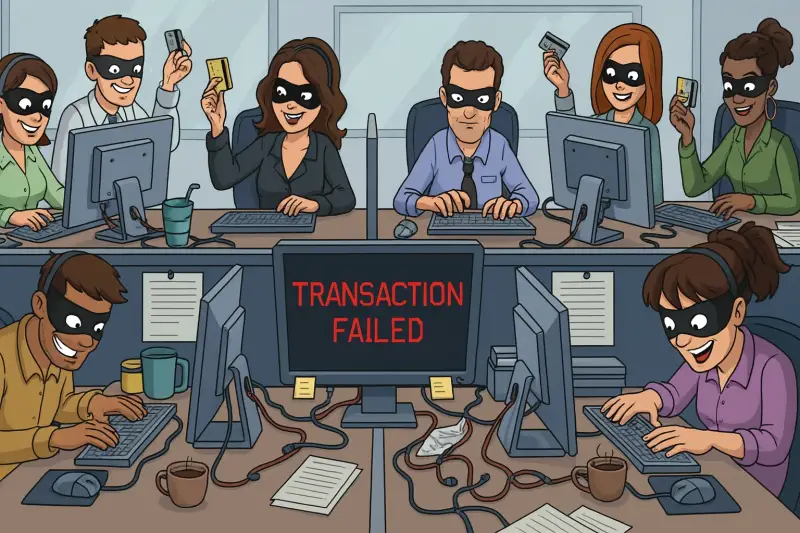
The Problem:
As a bookkeeper, you are the gatekeeper of a company’s financial integrity. In 2026, that makes you a prime target for high-tech "social engineering" and software-based fraud.
Scammers aren't just looking for a quick buck; they want the keys to your accounting ecosystem. Here is how to spot the latest tactics and protect your practice from the two most dangerous threats: software account takeovers and overpayment fraud.
1. The Software Hijack: Protecting Your Login
Scammers often use "phishing" or "spoofing" to trick you into giving up your credentials for platforms like QuickBooks, Xero, or Sage.
- The "Urgent Security Alert": You receive an email or text stating there is a "security breach" on your account and you must log in immediately to "verify your identity." The link leads to a perfect replica of your login page.
- The Remote Access Trap: A "support agent" calls, claiming they’ve detected a bug in your software. They ask you to download a tool (like AnyDesk or TeamViewer) so they can "fix it." Once in, they can install keyloggers or export your entire client list.
The Defense:
- MFA is Non-Negotiable: Ensure Multi-Factor Authentication (MFA) is enabled on every single financial app. Even if they get your password, they can't get the code on your phone.
- Check the URL: Before typing a password, always look at the address bar. If it isn’t the exact official domain (e.g., app.qwerty-accounting.com instead of intuit.com), close the tab.
- The "Call Back" Rule: If "support" calls you, hang up. Call the official number found on the software provider’s website to verify the claim.
2. The Overpayment Scam: Using Your Invoices Against You
This is a classic "con" updated for the digital age. It usually starts with a new, seemingly eager client.
- The Hook: A new client hires you and "accidentally" sends a digital payment or check for far more than the invoiced amount.
- The Mistake: They claim the extra funds were meant for a "consultant" or "vendor" and ask you to keep a small "inconvenience fee" but wire the rest back to a different account immediately.
- The Sting: Days later, the original payment (often made via a stolen account or a fake check) is reversed by the bank. You are out the full amount you "refunded" out of your own pocket.
- The Red Flags:
- The "Mover" or "Third-Party" Story: Any request to send money to a third party you don't know is a 100% red flag.
- Excessive Urgency: They will pressure you to send the "refund" before the bank has fully cleared the initial deposit.
- Strange Phrasing: Look for generic language like "the service" or "the item" rather than specific business terms.
3. The Solutions - Best Practices for 2026
To stay ahead of scammers, integrate these three habits into your daily workflow:
Practice Why it Works
Out-of-Band Verification If a vendor or client asks to change their bank details via email, call them at a known, trusted number to confirm.
Never trust the email alone.
|
The 7-Day Hold Never "refund" an overpayment until the funds have fully cleared and "settled"
This can take up to a week for certain transfers.
Role-Based Access If you have a team, ensure they only have the minimum access required for their tasks.
This limits the "blast radius" if one account is compromised. |
Final Thought
Scammers rely on you being busy and helpful. In the world of bookkeeping, being a little "unhelpful" by slowing down, verifying every link, and questioning every overpayment is your best security strategy.
Add comment
Comments